

If you want to point your Wix domain to Cloudflare (especially to run a Cloudflare Worker website), you’ll find that Wix doesn’t make it easy. But there are two ways to do it. Either you move yourself to an intermediary domain registrar, or you contact Wix support and get them to change the nameservers for you directly.
Method 1: Transfer Your Domain to a Third-Party Registrar (The Recommended Way)
The most commonly recommended approach—and the one you’ll find all over Cloudflare community forums and Reddit threads—is to transfer your domain from Wix to a third-party registrar like GoDaddy, Namecheap, or Porkbun.
Here’s why this is the standard recommendation: Wix doesn’t allow you to change your nameservers directly through their interface. So if you want Cloudflare to point your domain to your worker website, Cloudflare needs control of those nameservers. By transferring your domain to a third-party registrar, you get complete control and can point your nameservers to Cloudflare whenever you want.
Steps:
- Unlock your domain in Wix
- Get your authorization code from Wix
- Initiate the transfer at your chosen registrar (GoDaddy, Namecheap, Porkbun, etc.)
- Complete the transfer process after 5-7 days of waiting.
- Log into your new registrar and point your nameservers to Cloudflare’s nameservers
- Set up your DNS records in Cloudflare
This approach is straightforward and gives you complete control over your domain going forward. This is the default and recommended way to move off Wix.
Method 2: Have Wix Support Change Your Nameservers (The Workaround)
But here’s something most people don’t know: Wix support can technically change your nameservers for you. I discovered this the hard way, and while it’s more tedious than transferring, it can work if you don’t want to move your domain off Wix.
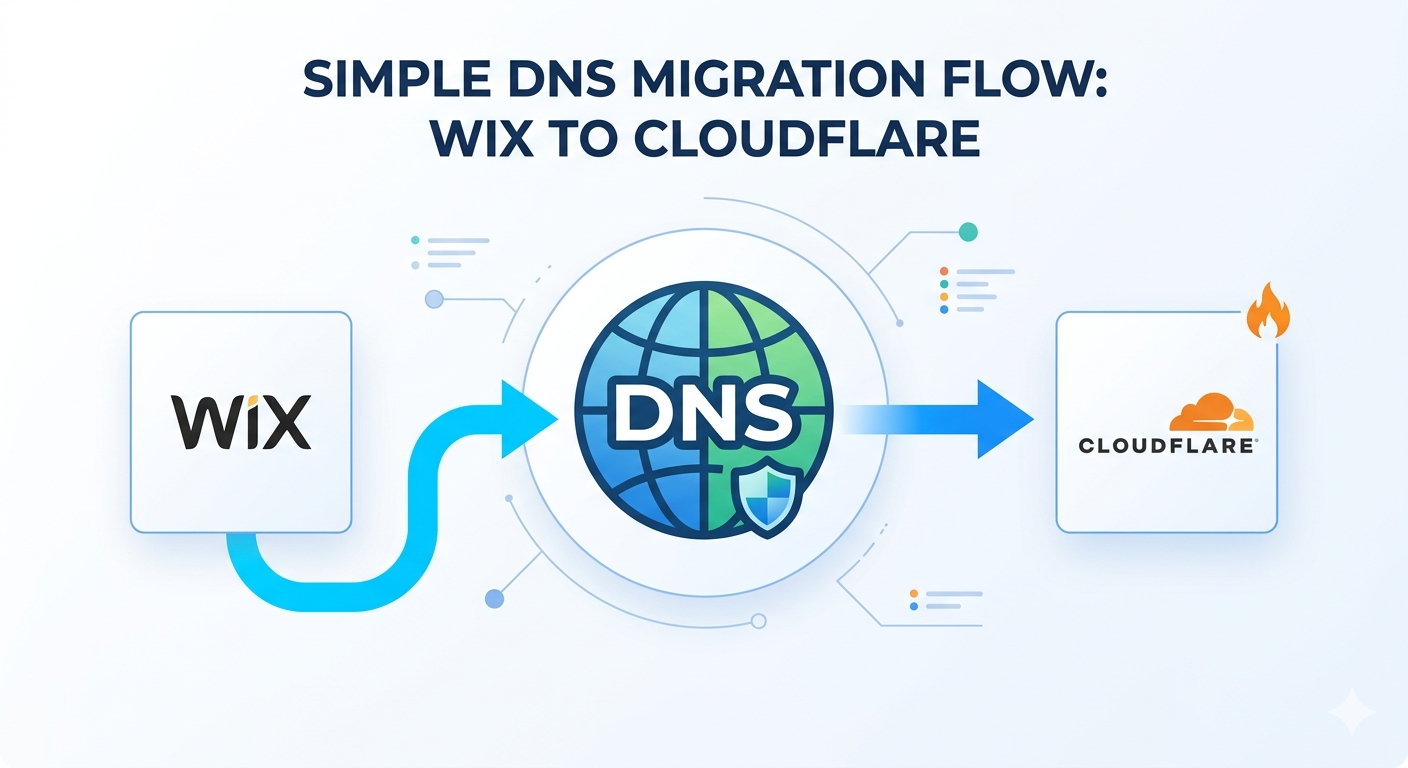
The Process
First, you need to get the exact nameservers from Cloudflare. Log into Cloudflare, add your domain, and it will give you two nameservers that look something like:
abel.ns.cloudflare.comkatrina.ns.cloudflare.com
(The exact names vary based on your setup.)
Next, contact Wix support via live chat. This is important—start with live chat, not email. Explain clearly: “I want to change my nameservers to Cloudflare so that I can point my website to Cloudflare. Here are the exact nameservers I need changed.” Be very explicit about what you need. The live agent will likely say they can help but that you need to follow up via email.
Don’t worry—that’s normal. You’ll get an email the next day asking you to confirm the changes. In that email, reiterate exactly what you want: the two Cloudflare nameservers that need to replace your current ones.
After you confirm, you wait again. In my experience, it took about 2 days after that email confirmation before I received notice that the DNS nameservers were officially updated in Wix’s system.
So in total, the timeline is roughly:
- Day 1: Live chat with support
- Day 2: Email confirmation request comes in, you reply with confirmation
- Day 4: DNS nameserver update is complete
The Confusing Part: Your Wix DNS Won’t Update
Here’s something that will mess with your head: the Wix DNS interface will never show the new nameservers. It will always display your old records and old nameservers. This is confusing as hell because you’ll think nothing changed.
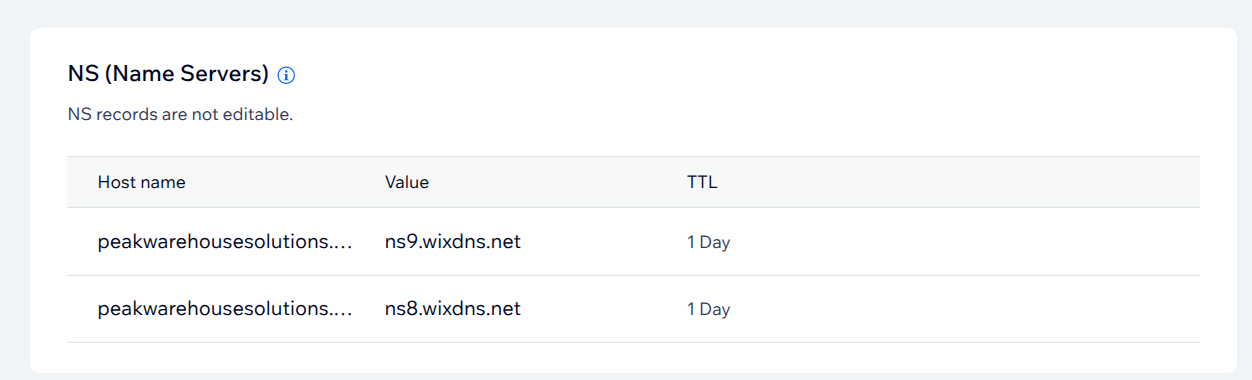
But don’t worry. The change is happening. You can verify it’s working by using third-party DNS propagation tools online. You’ll start to see the new Cloudflare nameservers show up gradually.
DNSSEC Was My Blocker
Here’s where I got stuck: I had DNSSEC enabled on my Wix domain, and it was preventing Cloudflare from completing the domain migration. Cloudflare kept failing to detect that the nameserver change had taken effect.
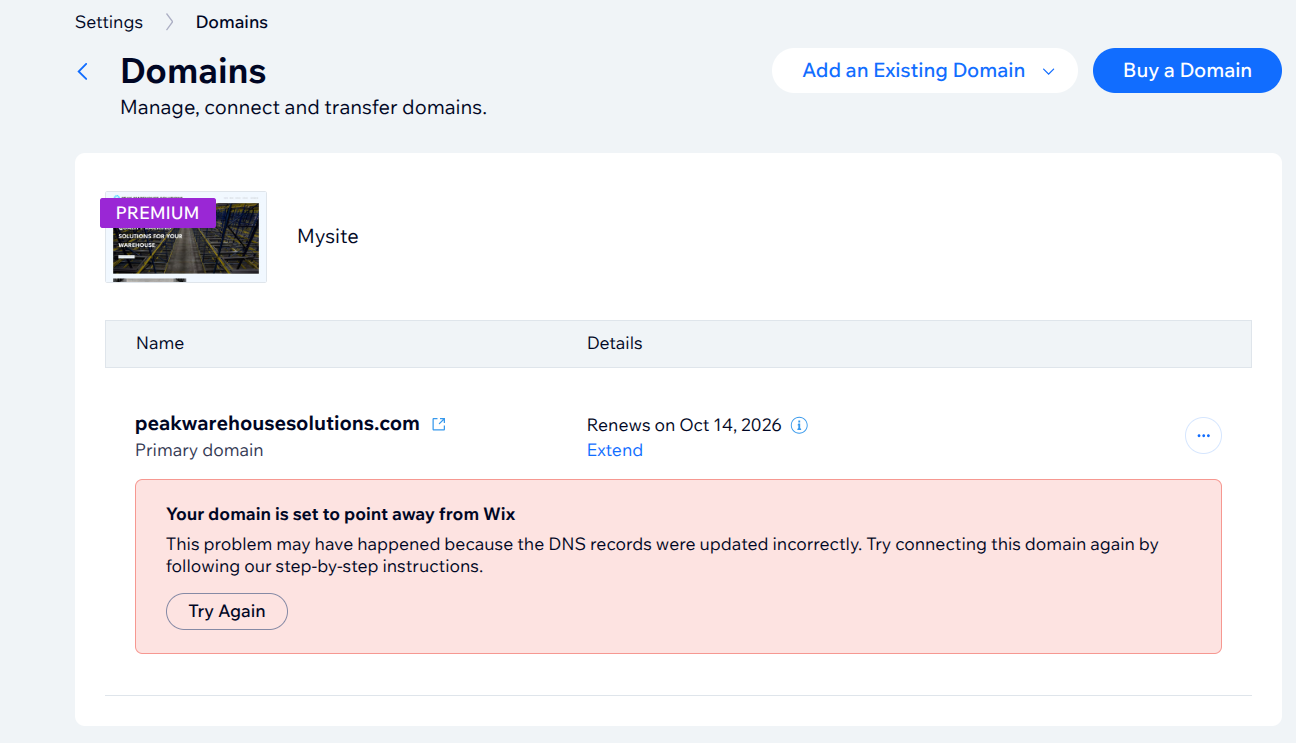
The fix was to disable DNSSEC in Wix before initiating the nameserver change. Once I turned that off and waited a few more hours, Cloudflare finally recognized the change and the migration completed successfully.
Now What?
Once Wix support updates your nameservers and Cloudflare completes the migration, you’re all set. Your domain now points to Cloudflare, and you can run your Cloudflare Worker website. If you ever decide you want to fully transfer the domain away from Wix later on, you can do that at any time.
Which Method Should You Choose?
If you don’t want the hassle of dealing with support tickets and waiting days for DNS propagation, transfer your domain to a third-party registrar. It’s cleaner, faster, and gives you more control.
If you want to keep your domain with Wix for other reasons, contact Wix support about changing your nameservers. It’s possible, but you’ll need patience and you need to make sure DNSSEC isn’t getting in your way.